BS Tube focuses on the daily data entry, review, conversion, and project tasks used in tube fabrication.
Import Model
Turn supported STEP tube, rod, and bar models into manufacturing data.
Recognize supported hollow and solid stock, including multi-diameter round tube, then review the centerline and send generated XYZ to XYZ/LRA. Path and endpoint tools help resolve complex models.
Create full or partial unbend STEP geometry from supported bent tube models.
Work with supported round, square, and rectangular tube, choose the bends to unbend, apply global or individual stretch values, control cut-feature orientation, and export a STEP file for tube-laser workflows.
Turn centerline coordinates into usable bend data.
Convert centerline coordinates into LRA bend data with CLR values and a live viewer. The converter guide also explains corresponding YBC feed, rotation, and bend-angle terminology.
Draw, move, add, or delete points; rotate unlocked geometry around a selected straight section; and use 2D or 3D grids with snapping. Create work planes, lock individual coordinates, and review stock and bends while the shared XYZ/LRA data updates automatically.
Image → XYZ
Turn photos into editable XYZ rows.
Import phone images, clipboard captures, or image files and review extracted values before import.
Take tube data from BS Tube into drawings, sketches, and solid models.
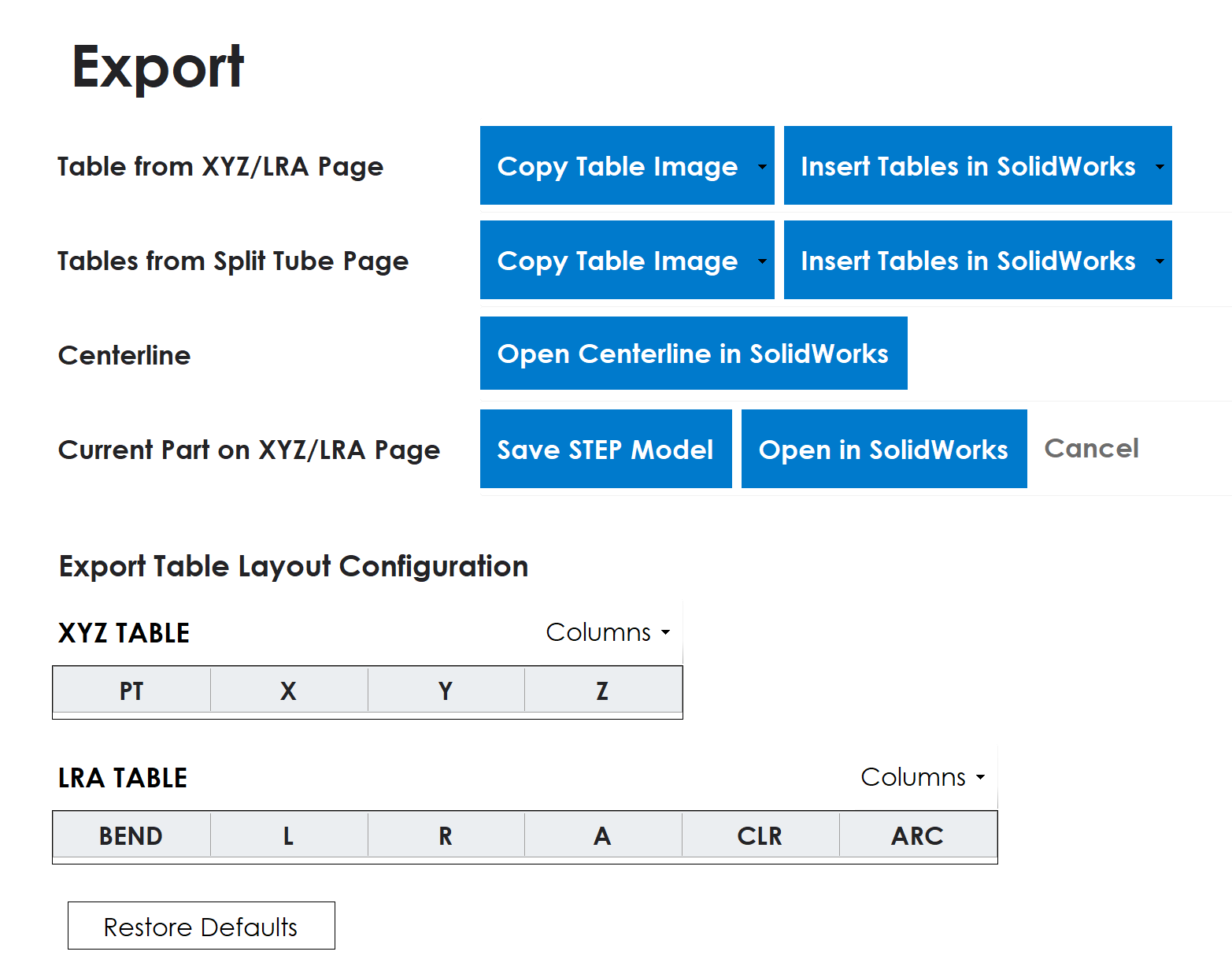
Copy customizable XYZ/LRA and split-tube tables as images or insert editable tables in a SolidWorks drawing. Send centerline sketches, save STEP models, or create native SolidWorks parts with a 3D centerline, profile, and sweep.