
Import Model
Import supported STEP tube, rod, and bar models, review recognized geometry, extract the centerline, and send generated XYZ directly to the existing XYZ/LRA workflow.
View Import Model
BS Tube for Windows helps tube fabrication teams manage XYZ/LRA data, projects, material details, flat layouts, SolidWorks workflows, Image → XYZ import, and bender simulation in one desktop workflow.

Import supported STEP tube, rod, and bar models, review recognized geometry, extract the centerline, and send generated XYZ directly to the existing XYZ/LRA workflow.
View Import Model
Unbend supported round, square, and rectangular tube models, apply bend stretch, control cut-feature orientation, and export STEP geometry.
View Unbend Model
Convert XYZ coordinates into LRA bend data and review the 3D tube path. Learn how Length, Rotation, and Angle relate to YBC terminology used by tube benders.
View XYZ / LRA
Create and edit tube paths in 3D with work planes, grid snapping, point and axis locks, and live XYZ/LRA updates.
View Part Designer
Import XYZ values from a phone photo, Windows clipboard image, or image file, then review rows before sending them to the table.
View Image → XYZ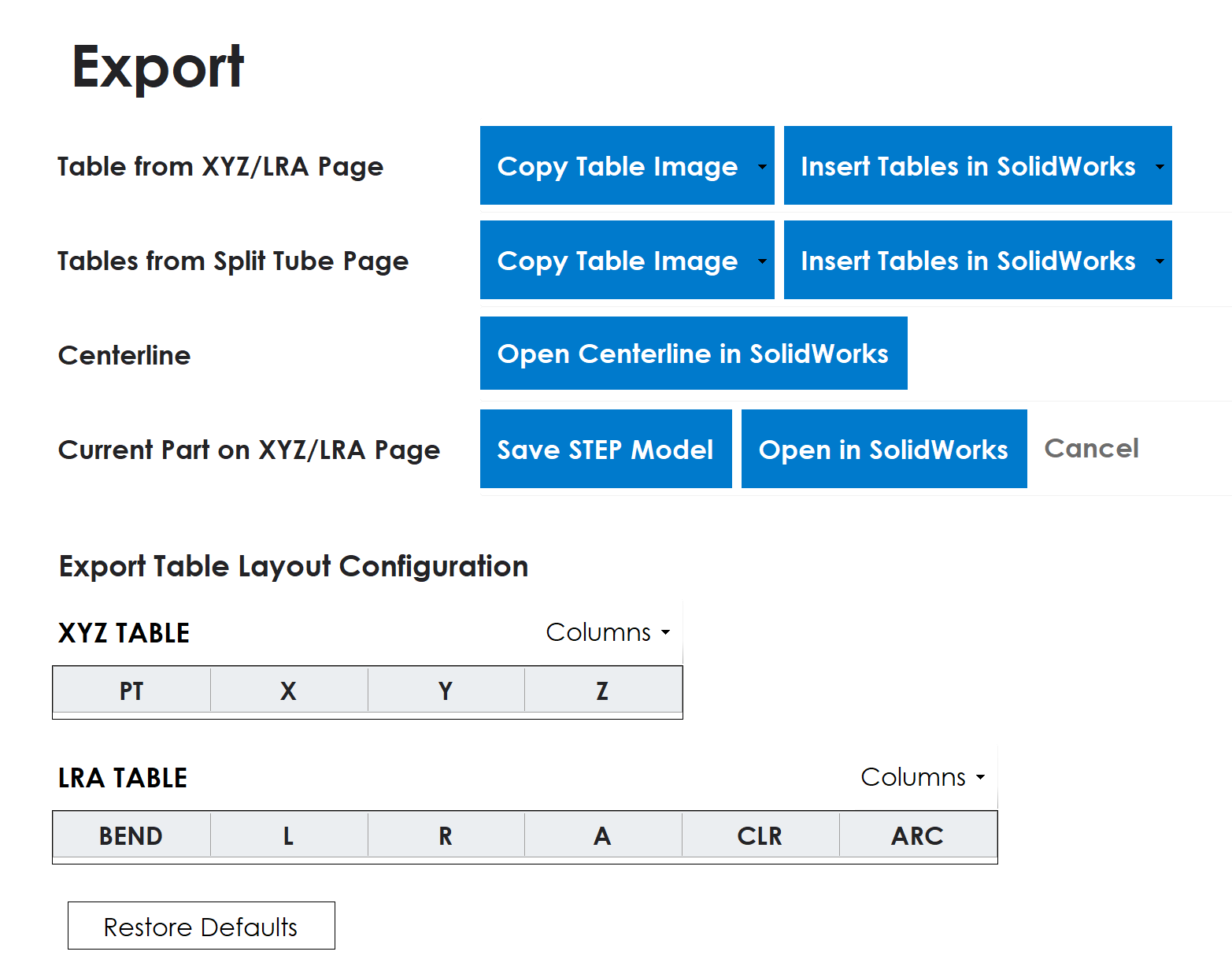
Export customizable XYZ/LRA and split-tube tables, send centerline sketches to SolidWorks, and create STEP models or editable SolidWorks parts.
View Export
Split LRA data into tube sections and review each section while keeping the original path available for reference.

Create developed tube layouts with bend callouts, operation tables, decimal output, and landscape PDF export.

Create a clear tube report with part information, XYZ and LRA data, section details, and the current model view.

Step through LRA-driven rotary-draw bending with tooling motion, tube feed, rotation, and bend sequence review.

Create, save, open, search, and restore BS Tube work so engineering data stays together.

Track tube material types and density information for reports, surface area, and part weight.
BS Tube is organized around centerline data, bend conversion, project storage, material information, flat layout PDFs, bender simulation, and SolidWorks workflows. It is meant to reduce repeated typing and keep tube engineering work easier to review.
Use BS Tube to manage tube coordinate data, project records, material information, layouts, and simulation reviews in one focused desktop workflow.